
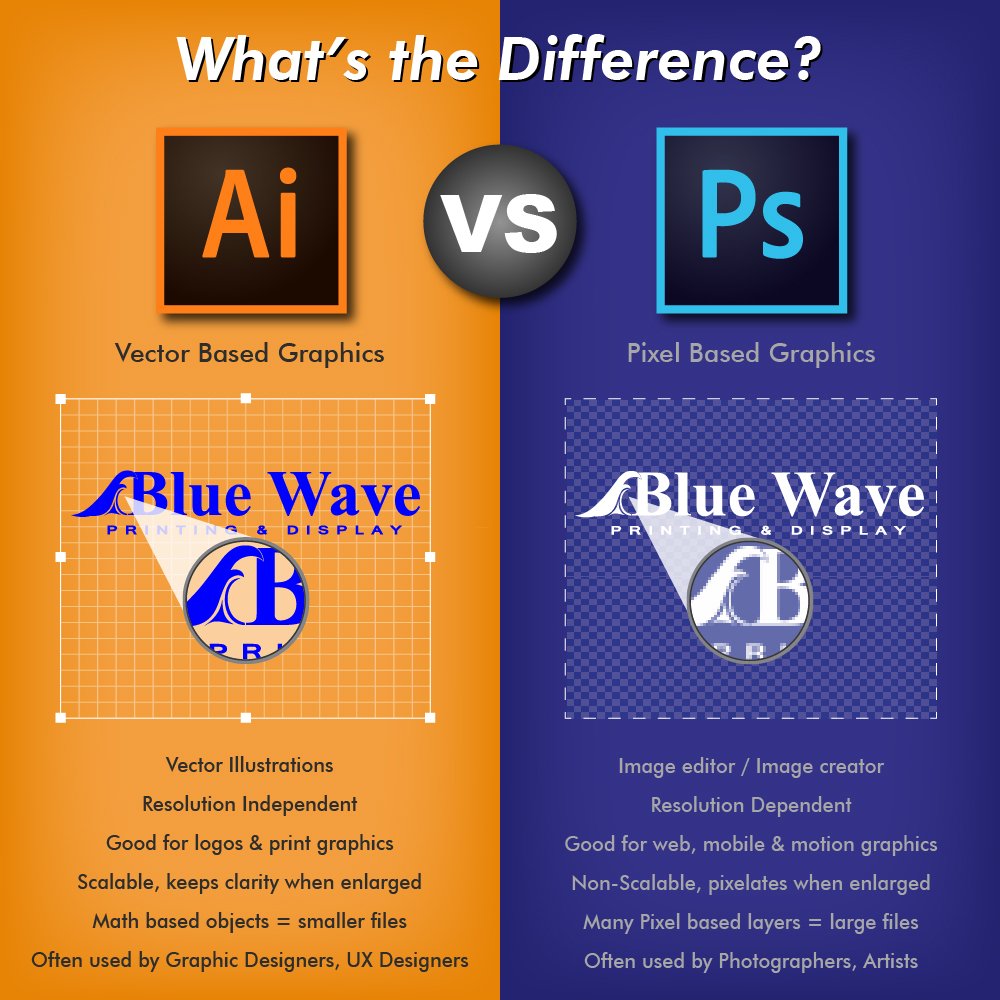
AI tools automate many tasks while Photoshop offers deep manual control for fine edits.
I’ve spent years editing images and testing AI tools. I know where AI shines and where Photoshop still leads. This article breaks down Ai Vs Photoshop with clear examples, honest pros and cons, and real tips you can use today. Read on to learn when to pick AI tools and when to open Photoshop for the best results.

How AI is changing image editing
AI tools speed up common editing tasks. They use smart algorithms to remove backgrounds, fix lighting, and generate new content. For many simple jobs, AI saves large blocks of time and cuts repetitive work.
AI assistants can suggest edits and make automated masks. They often work with plain text prompts or simple sliders. This makes image editing more accessible to beginners and faster for pros.
AI keeps getting better as models learn from large image sets. This means new features arrive fast. Expect more automation and smarter tools in the near term.
Photoshop’s enduring strengths
Photoshop gives precise control over pixels. Layers, masks, and adjustment tools let you craft exact looks. For detailed retouching and complex composites, Photoshop remains the go-to.
Photoshop integrates with other creative apps. It supports color management for print and high-end workflows. This makes it ideal for photographers, designers, and studios.
I often use Photoshop when I need full control. Manual healing, complex selections, and fine color work still require hands-on tools. Photoshop is a craftsman’s workshop for pixels.
Ai Vs Photoshop: head-to-head comparison
Speed and automation
- AI tools win for speed. They handle routine edits in seconds.
- Photoshop is slower but more deliberate. It shines when precision matters.
Ease of use
- AI tools are beginner friendly. Simple prompts or one-click actions get good results.
- Photoshop has a steeper learning curve. It rewards time spent learning.
Quality and control
- AI can produce realistic results fast. But it may lack pixel-level control.
- Photoshop offers full control. You can fine-tune every detail for pro output.
Cost and access
- Many AI tools run in the cloud or as affordable apps. This lowers barriers to entry.
- Photoshop requires a subscription and hardware that handles big files. It can be pricier for teams.
Ethics and copyright
- AI models sometimes reuse learned patterns and risk style drift. This raises legal and ethical questions.
- Photoshop edits source files directly. Copyright issues focus on source content and usage rights.
I balance both in my work. I use AI to draft or speed edits. Then I refine in Photoshop for final polish.
Real-world use cases and workflows
Fast product shots
- Use AI for background removal and quick color correction.
- Finish in Photoshop if you need brand-specific color control or complex shadows.
Concept art and mood boards
- AI can generate ideas fast from text prompts.
- Import best results into Photoshop and refine composition, brushwork, and texture.
Portrait retouching
- AI tools can smooth skin and remove distractions quickly.
- Switch to Photoshop for detailed skin texture work and natural-looking results.
Marketing assets
- Create multiple variations with AI to test concepts.
- Use Photoshop to set print specs and finalize layout for campaigns.
I follow a simple two-step flow. First, use AI for speed and options. Second, use Photoshop to control, fix, and finalize. This hybrid workflow saves time and keeps quality high.
Practical tips for choosing between Ai Vs Photoshop
Match the tool to the task
- Use AI for drafts, batch edits, and quick fixes.
- Use Photoshop for fine retouching, print prep, and exact color work.
Maintain quality control
- Always check AI outputs for mistakes, artifacts, and odd details.
- Use Photoshop’s zoom and pixel tools to fix any issues.
Save smart versions
- Keep original files and AI outputs in separate layers or folders.
- Name files clearly to track edits and steps for future revisions.
Learn both tools
- Invest time in basic Photoshop skills even if you rely on AI.
- Learn AI prompt techniques to get better results faster.
Be mindful of ethics
- Verify that images and assets used with AI tools are licensed.
- Disclose AI usage when it matters for clients or legal reasons.
From my experience, these small habits avoid big headaches. They keep work fast and professional.

Future trends in Ai Vs Photoshop
AI will keep adding features directly into Photoshop and other apps. Expect more fused workflows where AI does the heavy lifting and Photoshop polishes. This will shift the skill set toward prompt craft, creative direction, and critical editing.
Creative roles will evolve. Designers will focus more on idea curation and less on repetitive tasks. Photographers and retouchers will use AI as a tool, not a replacement.
I recommend staying curious. Try new AI tools but keep learning core Photoshop skills. This combo keeps you flexible and valuable.
Frequently Asked Questions of Ai Vs Photoshop
What is the main difference between Ai Vs Photoshop?
AI tools automate tasks using algorithms and prompts, while Photoshop gives hands-on control over every pixel. AI speeds up work; Photoshop delivers precise edits.
Can AI replace Photoshop for professional work?
Not fully. AI handles many tasks well but often lacks the subtle control and color accuracy pros need. Photoshop remains essential for high-end, detailed work.
Are AI-generated images legal to use in projects?
It depends on the tool and the asset sources. Always check licensing and usage rules for the AI service and any stock assets involved.
How can I combine AI tools with Photoshop effectively?
Start with AI for drafts and batch edits, then import into Photoshop for final retouching and color work. Keep organized files and use nondestructive edits.
Is it hard to learn Photoshop if I use AI tools?
No. Basic Photoshop skills are quick to learn and complement AI work. Knowing layers, masks, and basic retouching gives you more control over final images.
Conclusion
Ai Vs Photoshop is not a battle but a partnership. AI speeds up routine work and sparks ideas. Photoshop gives the craft and control to make images sing. Use AI to explore and accelerate. Use Photoshop to refine and perfect.
Make a plan today: try one AI workflow and one Photoshop refinement step on your next project. Share your results, or subscribe to learn more tips and updates.
