
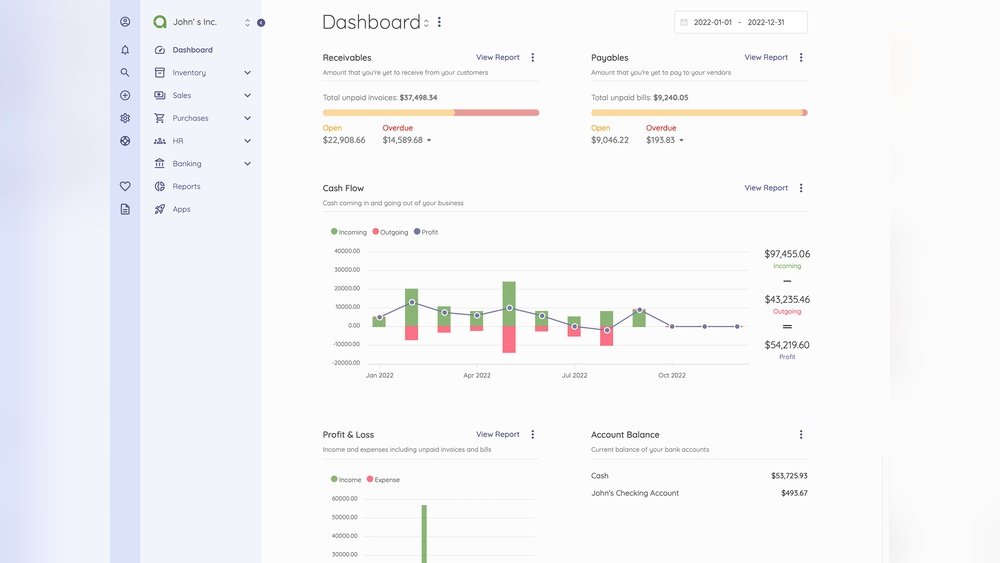
Are you ready to take control of your finances like never before? Creating your own web-based accounting software can give you the power to manage your money with ease, accuracy, and flexibility.
Imagine having a tool tailored exactly to your needs, accessible anytime and anywhere. You’ll discover simple steps to build your own accounting system that saves time, reduces errors, and boosts your productivity. Keep reading to unlock the secrets that will transform how you handle your accounts forever.
Planning Your Software
Planning your web-based accounting software is the first and most important step. It sets the foundation for a smooth development process. Careful planning helps avoid costly mistakes and delays. It also ensures the software meets user needs and business goals.
Start by understanding what the software must do. Think about your users and how they will interact with the system. Clear planning leads to a product that is useful and easy to use.
Identifying Key Features
List the essential functions your software needs. These might include invoicing, expense tracking, and financial reporting. Prioritize features that solve common accounting problems. Think about security, user roles, and data backup. Keep the list focused on must-have features first.
Choosing The Right Technology Stack
Select technologies that fit your project size and budget. Consider popular frameworks for web development like React or Angular for the front end. Use reliable back-end options such as Node.js or Django. Choose a database that handles financial data securely, like PostgreSQL or MySQL.
Setting Project Goals And Timeline
Define clear goals for your software. Set achievable milestones to track progress. Break the project into small phases, like design, development, and testing. Assign deadlines for each phase to stay on schedule. A realistic timeline helps keep the project on track.
Designing The User Interface
Designing the user interface (UI) is a key step in creating web-based accounting software. A clear and simple UI helps users work faster and avoid mistakes. The design must focus on ease of use and clarity. Good UI design makes accounting tasks less stressful.
Keep the interface clean. Avoid too many colors or crowded elements. Users should find what they need quickly and easily. Organize tools and information logically. The goal is to create a smooth experience for all users.
Creating Wireframes And Mockups
Start with wireframes to plan the layout. Wireframes are simple sketches showing where each element goes. They help visualize the structure of the software. Use them to decide the placement of menus, buttons, and data fields.
Mockups add detail to wireframes with colors and styles. They show how the final product will look. Use mockups to test design ideas and gather feedback. This step reduces errors before coding begins.
Ensuring User-friendly Navigation
Navigation should be easy and intuitive. Use clear labels for menus and buttons. Group related features together. Users must find functions without confusion.
Include a search feature for quick access. Avoid deep menu layers that hide important tools. Keep navigation consistent on all pages. This helps users feel confident and reduces frustration.
Incorporating Responsive Design
Responsive design ensures the software works on all devices. The layout adjusts to fit phones, tablets, and desktops. This flexibility improves user experience everywhere.
Use flexible grids and images. Test the software on different screen sizes. Responsive design helps users access accounting tools anytime, anywhere.
Developing The Backend
Developing the backend is a crucial step in creating web-based accounting software. It handles all the data processing and business rules behind the scenes. A strong backend ensures the software runs smoothly and securely. This part manages user data, transactions, and calculations.
Building a solid backend requires careful planning and coding. It connects the database to the user interface. It processes requests and returns the correct information. Let’s explore the key areas involved in backend development.
Setting Up Database Structure
The database stores all accounting records and user information. Designing its structure carefully is important. Create tables for users, transactions, invoices, and reports. Use clear naming for tables and columns. Define relationships between tables to keep data organized. This helps retrieve data quickly and avoid errors.
Implementing Business Logic
Business logic controls how data is processed. It includes rules for calculations and validations. For example, tax calculations or invoice due dates. Write code that checks data before saving it. Make sure all financial rules are followed. This keeps data accurate and reliable for users.
Building Apis For Data Interaction
APIs allow the frontend to communicate with the backend. Create endpoints for actions like adding transactions or viewing reports. Use secure methods to protect sensitive data. Design APIs to be simple and fast. This makes the software responsive and easy to use.
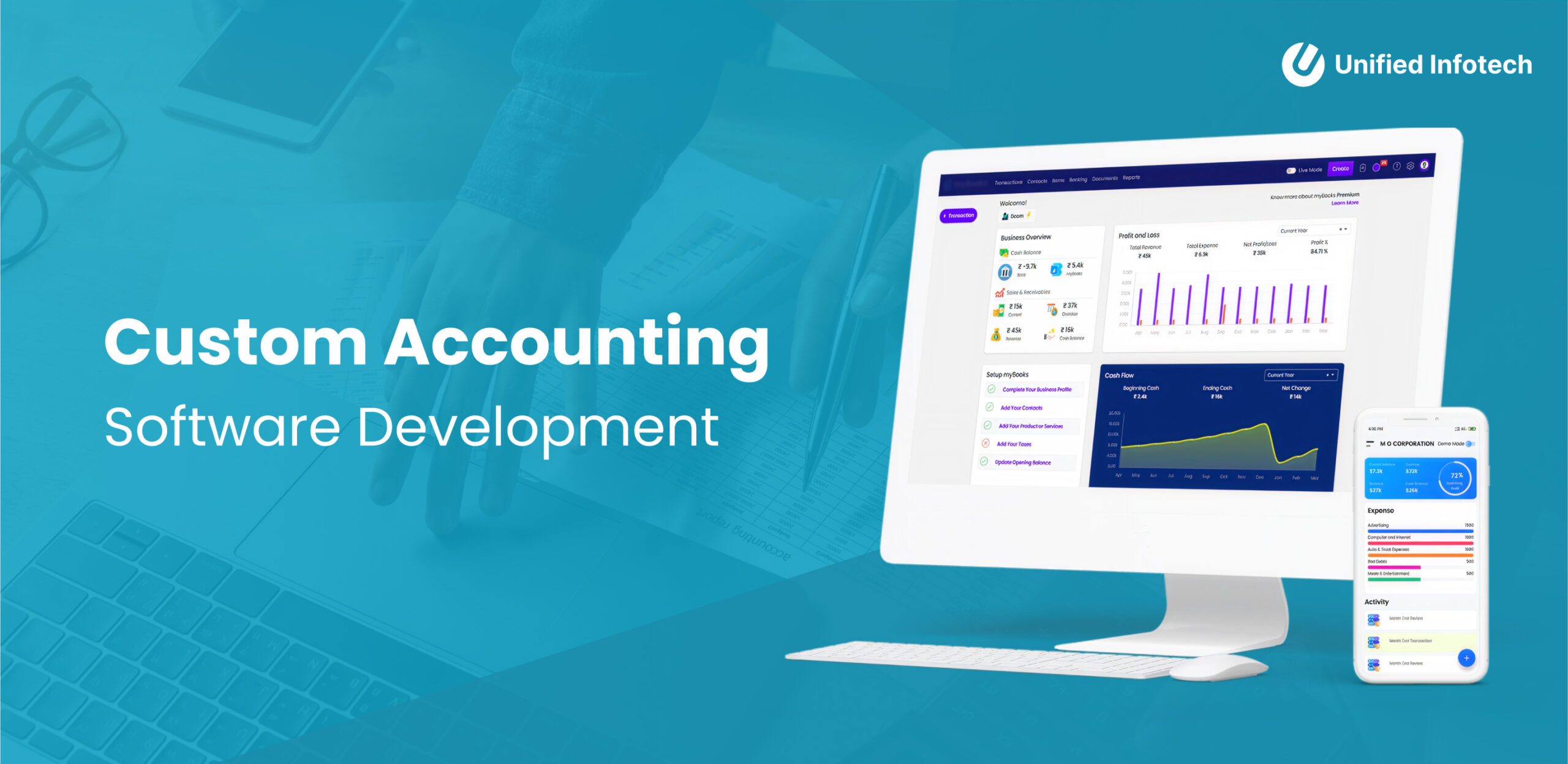
Credit: www.unifiedinfotech.net
Implementing Frontend Functionality
Implementing frontend functionality is key for any web-based accounting software. It creates the user interface that clients interact with daily. A smooth frontend makes accounting tasks easier and faster. This part focuses on how to connect, validate, and display data clearly.
Connecting Frontend With Backend
Connect the frontend with the backend using APIs. APIs send and receive data between the user and server. Use REST or GraphQL to build these connections. Make sure the frontend requests data securely. Also, handle errors to keep the app stable. This link keeps financial information up to date.
Handling User Inputs And Validations
Users enter sensitive financial data in forms. Validate inputs to avoid mistakes or fraud. Check that numbers are correct and fields are not empty. Use simple error messages to guide users. Validate both on the client side and server side. This keeps data safe and reliable.
Displaying Financial Data Effectively
Show financial data in clear charts and tables. Use colors to highlight profits or losses. Organize data by date, account, or category. Make sure the layout is simple and easy to read. Responsive design helps users on phones and tablets. Clear displays help users understand their finances fast.
Integrating Security Measures
Integrating security measures is crucial for web-based accounting software. Protecting financial data builds trust and keeps users safe. Security must be part of the software design from the start. It helps prevent data breaches and unauthorized access. Strong security also ensures compliance with laws and regulations.
Data Encryption Techniques
Data encryption turns information into unreadable code. This protects sensitive data during storage and transmission. Use SSL/TLS protocols to secure data sent over the internet. Encrypt stored data with AES or similar algorithms. Encryption stops hackers from stealing financial details.
User Authentication And Authorization
User authentication confirms the identity of a person. Use multi-factor authentication for stronger security. Passwords alone are not enough. Authorization controls what users can see or do. Assign roles and permissions carefully. Limit access to sensitive parts of the software.
Regular Security Audits
Regular security audits find and fix vulnerabilities. Conduct audits often to keep the software safe. Use automated tools and manual checks. Update security measures based on audit results. This practice reduces the risk of attacks and data leaks.
Testing And Debugging
Testing and debugging are key steps in building web-based accounting software. They ensure the software works well and is free from errors. Proper testing helps find problems early. Debugging fixes these problems to improve software quality and performance.
Conducting Unit And Integration Tests
Unit tests check individual parts of the software. Each function or module is tested alone. This helps catch small errors fast. Integration tests check how different parts work together. They make sure data flows correctly across modules. Running these tests often keeps the software stable.
User Acceptance Testing
User acceptance testing (UAT) lets real users try the software. It shows if the software meets user needs. Users test all features and report issues. This feedback guides final improvements. UAT confirms the software is ready for launch.
Fixing Bugs And Improving Performance
After testing, fix the bugs found. Prioritize critical bugs that block key functions. Use debugging tools to find error sources. Improving performance means making the software faster and smoother. Optimize code and database queries. Keep testing after changes to ensure fixes work well.
Deployment And Maintenance
Deployment and maintenance are critical steps in delivering web-based accounting software. Proper deployment ensures your software is accessible and reliable for users. Maintenance keeps the software secure and up-to-date over time.
Focusing on these areas helps provide a smooth user experience. It also minimizes downtime and technical issues. Let’s explore key parts of deployment and maintenance.
Choosing A Hosting Platform
Select a hosting platform that offers strong security and good uptime. Cloud services like AWS, Google Cloud, or Azure are popular choices. They provide scalable resources as your user base grows. Choose a platform with easy backup and recovery options. This protects your data from loss or corruption.
Setting Up Continuous Deployment
Continuous deployment automates software updates to your hosting platform. Use tools like Jenkins, GitHub Actions, or GitLab CI/CD. These tools test and deploy code changes quickly. This reduces human errors and speeds up updates. Set up alerts for failed deployments to fix issues fast.
Planning For Updates And Support
Plan regular updates to improve features and fix bugs. Schedule maintenance windows to avoid disrupting users. Provide clear support channels like email or chat for user help. Track user feedback to improve the software continuously. Well-planned support boosts user trust and satisfaction.

Credit: radixweb.com
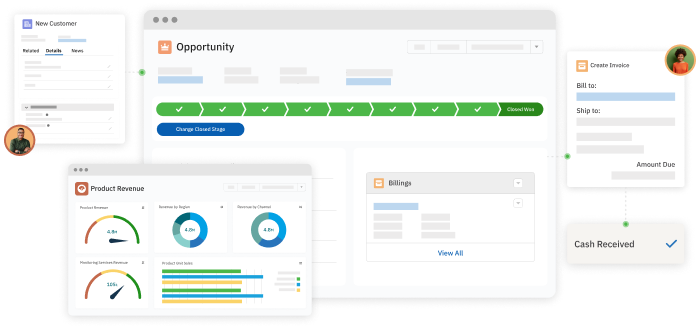
Credit: www.accountingseed.com
Frequently Asked Questions
What Are The Key Features Of Web-based Accounting Software?
Key features include real-time data access, multi-user support, automated invoicing, secure cloud storage, and financial reporting. These features improve efficiency and accuracy in managing accounts online.
How To Ensure Data Security In Web-based Accounting Software?
Use encryption, multi-factor authentication, regular backups, and secure hosting services. These measures protect sensitive financial information from unauthorized access and data loss.
Which Programming Languages Are Best For Developing Accounting Software?
Popular choices are JavaScript, Python, PHP, and Ruby. These languages support robust web frameworks and databases essential for accounting functionalities.
How To Integrate Payment Gateways In Web-based Accounting Software?
Choose reliable APIs like PayPal or Stripe. Implement secure API calls to process transactions and update accounting records automatically.
Conclusion
Creating web-based accounting software takes clear planning and steady effort. Focus on user needs and simple design. Test often to catch and fix errors quickly. Choose the right tools for coding and security. Keep updating the software to stay useful and safe.
With patience and care, your software can help many users manage finances easily. Building it step-by-step makes the process clear and less hard. This guide gives a solid start for your project.
